Many of the most common modems used in Australia today have the TS9 connectors. Modems such as the Netgear Nighthawk M1, Nighthawk M2, Nighthawk M4, Huawei B818, and the Optus ZTE.
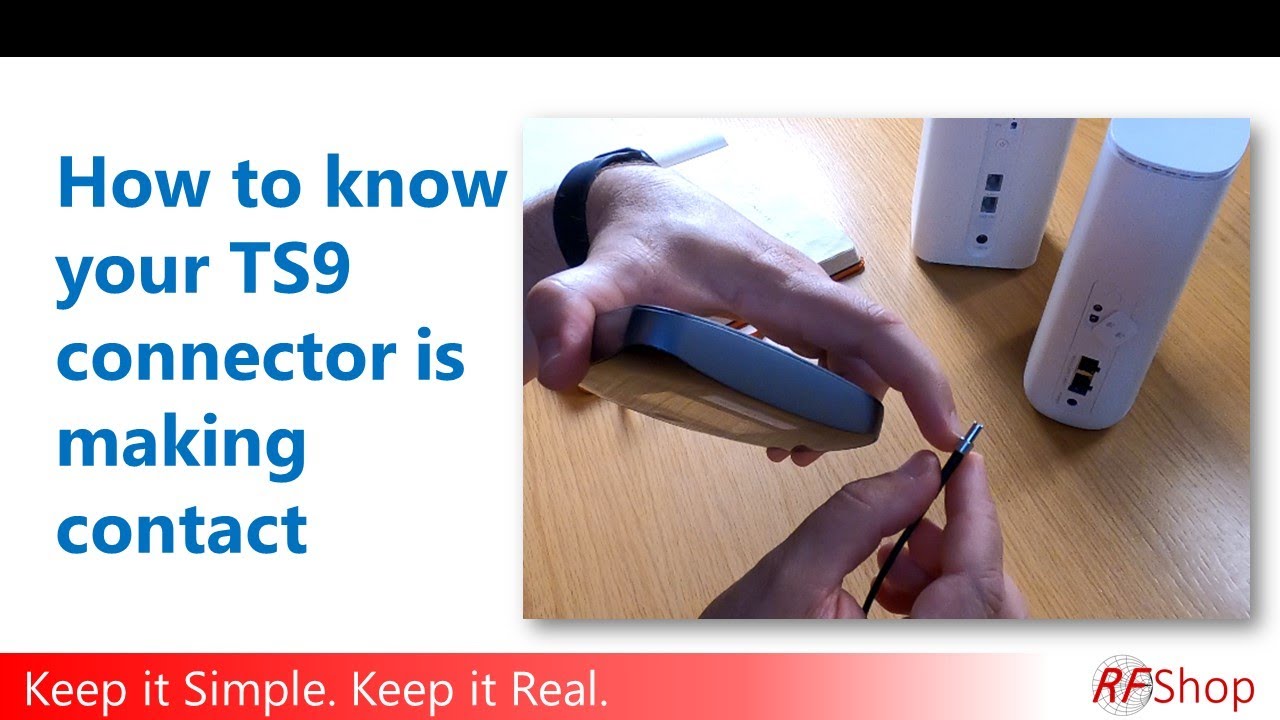
It is important to be careful when connecting the TS9-connector, as it can easily be damaged. In this video, we show you exactly how to connect it and how to know it is properly connected.
At RFShop we sell replacement cables in case you have already damaged your connectors:
https://rfshop.com.au/product/smaf-to-ts9-rg174-150mm-coaxial-cable/
https://rfshop.com.au/product/smaf-to-ts9-rg174-1m-coaxial-cable/
You can always contact us if you don't find what you need on our website. Custom cables and fast delivery are our specialties.
Edited by Holly Winter
https://tinyurl.com/hollywinterfilm
#TS9 #4Gmodem #Nighthawk #HuaweiB818 #OptusZTE


0 Comments